
Why a Real Mobile App Matters for Contractors | Projul
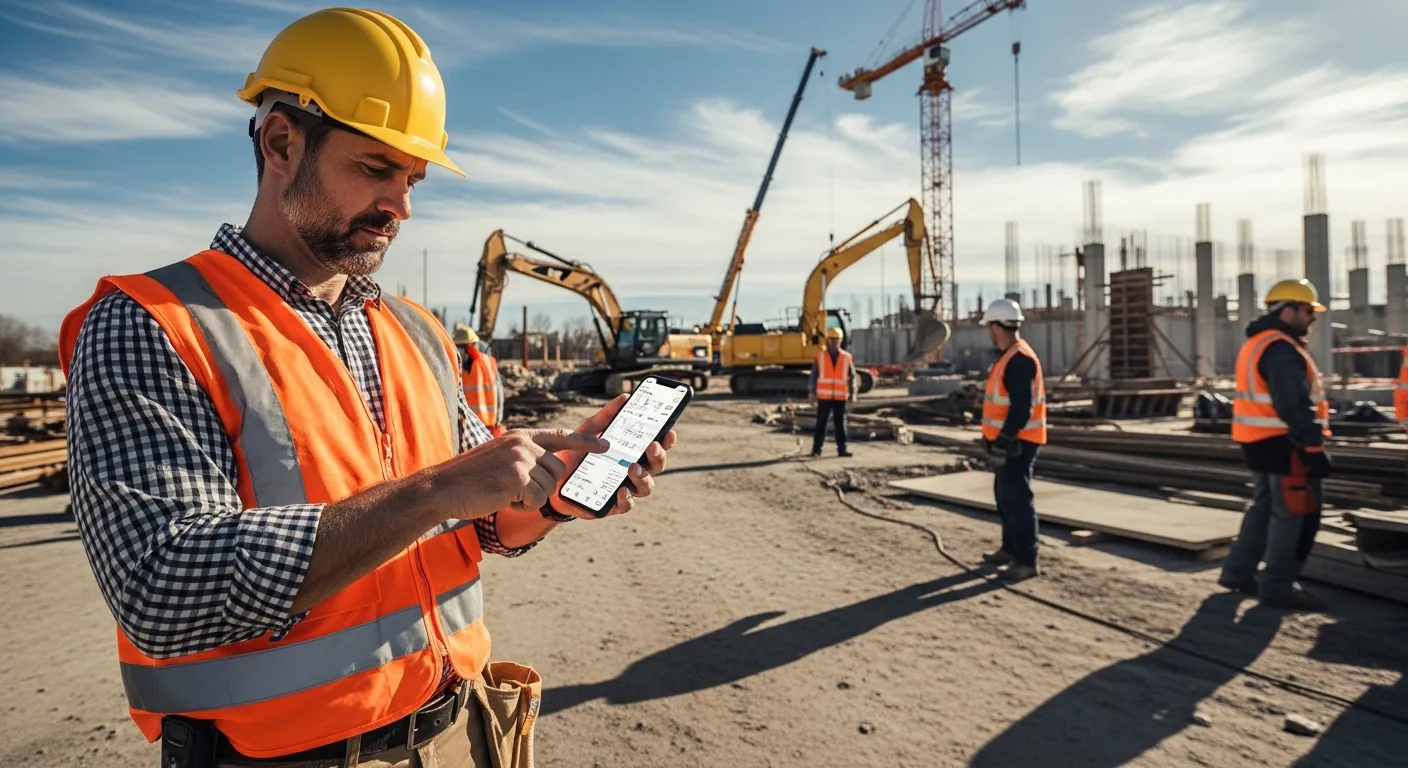
Your foreman is standing in a parking lot at 6:45 AM, trying to figure out which crew goes where today. He pulls out his phone, opens the app, and sees the full schedule with addresses, notes, and crew assignments. No phone call to the office. No waiting for someone to text him a screenshot of a whiteboard.
That is what a real construction mobile app does. It puts the job site and the office on the same page, without the back and forth.
If your crew is still calling in for updates, texting photos to a group chat, or writing hours on a napkin, you are burning time and money every single day.
Why Field Teams Need a Construction Mobile App
Construction does not happen at a desk. Your people are spread across job sites, driving between locations, and working in conditions where pulling out a laptop is not realistic. A phone is the only tool they always have on them.
Here is what a construction mobile app should handle in the field:
The foreman checks the schedule. Before the day starts, your foreman needs to know what is happening, where, and with whom. A good app shows today’s schedule with every detail, right on the phone. No calls, no confusion.
The crew clocks in. Your guys show up to the site and clock in on their phones. GPS confirms they are actually there. The hours go straight into the system, tied to the right job and cost code. No paper timesheets, no buddy punching, no end-of-week data entry marathon. That is real time tracking built for the field.
The PM reviews change orders from the truck. Your project manager is driving between three sites today. A client just approved a change order. Instead of waiting until they get back to the office, they pull it up on the app, review it, and approve it from the truck. The crew gets the update instantly.
Photos and notes get uploaded on the spot. When something needs to be documented, your crew snaps a photo and adds a note. It is attached to the right project immediately. No more digging through camera rolls a week later trying to remember which site that picture was from.
The bottom line: if your software does not work on a phone, it does not work for construction.
PWA vs Native App: Why It Matters
Not every “mobile app” is actually a mobile app. Some construction software companies build what is called a PWA, or progressive web app. It is essentially their website repackaged to look like an app on your phone. It might have an icon on your home screen, but under the hood, it is still just a browser.
Here is why that matters:
Geofencing. A native app can use your phone’s GPS to create virtual boundaries around job sites. When a crew member walks onto the site, the app can automatically start tracking their time. When they leave, it stops. PWAs have limited access to GPS and cannot reliably run geofencing in the background.
Offline mode. Job sites are not known for great Wi-Fi. Basements, rural properties, steel buildings… signal drops are part of the job. A native app stores data locally on the phone and syncs when the connection comes back. A PWA depends on the browser’s cache, which is unreliable and can be wiped by the phone’s operating system at any time.
Push notifications. When a schedule changes or a change order gets approved, your crew needs to know right away. Native apps send real push notifications that show up on the lock screen. PWA notifications are inconsistent, especially on iPhones where Apple has limited PWA notification support.
App Store presence. A native app lives in the App Store and Google Play. Your crew can find it, download it, and get automatic updates. A PWA requires someone to navigate to a website and follow a series of steps to “install” it. Most field workers will not bother.
If a software company tells you their PWA is “just as good” as a native app, ask them about geofencing and offline mode. That conversation usually gets short.
What to Look for in a Construction Mobile App
Not all native apps are good, either. Some are just desktop software crammed onto a small screen. Here are five things to check before you commit:
1. Built for the Field, Not Shrunk from the Desktop
The mobile app should be designed for how field crews actually work. Big buttons. Simple navigation. The most common tasks (clock in, check schedule, upload a photo) should take two taps or less. If your crew needs a training manual to use it, it is the wrong app.
2. True Offline Mode
Ask the vendor what happens when you lose cell service. Can your crew still clock in? Can they still view the schedule? Can they add notes and photos? And when the signal comes back, does everything sync automatically without duplicates or lost data? If the answer to any of these is “no,” keep looking.
3. GPS and Geofencing
Your app should know where your crew is. Not to spy on them, but to make time tracking automatic and accurate. Geofencing means your crew does not have to remember to clock in. It just happens when they arrive. That alone saves hours of payroll headaches every week.
4. Real-Time Sync with the Office
When a PM updates a schedule from the office, the crew should see it within seconds. When a crew member uploads a photo from the site, the office should have it instantly. If there is a delay, decisions get made on old information. Real-time sync is the whole point of going mobile.
5. Fast and Reliable
Your crew is not going to stand around waiting for an app to load. It needs to open fast, respond fast, and not crash. Test the app on a mid-range Android phone, not the newest iPhone. If it runs well on a $200 phone, it will run well everywhere.
The Real Cost of Not Having a Mobile App
When your field crew does not have a real construction mobile app, the costs add up in ways you do not always see:
- Payroll errors. Paper timesheets and manual entry lead to mistakes. Overpaying by even 15 minutes per worker per day adds up to thousands per year.
- Wasted drive time. When crews have to swing by the office to pick up paperwork or get updates, that is billable time burned on logistics.
- Slow communication. Change orders, schedule shifts, and material updates that sit in someone’s email until they get back to a computer cost you days, not hours.
- Lost documentation. Photos and notes that never make it into the system create liability gaps and make disputes harder to win.
A good construction mobile app does not just make things easier. It directly protects your margins.
FAQ
What is the difference between a PWA and a native construction mobile app?
A PWA (progressive web app) is basically a website saved to your home screen. It looks like an app, but it cannot do everything a real app can. A native construction mobile app is downloaded from the App Store or Google Play and has full access to your phone’s hardware. That means real push notifications, offline mode that actually works, and GPS-based geofencing for automatic time tracking.
Can my crew use a construction mobile app without cell service?
Only if it is a native app with true offline support. Some apps claim offline mode but lose your data the second you go into a dead zone. A good construction mobile app saves everything locally and syncs it once you are back in range. If your crew works in rural areas or inside structures with poor signal, this is not optional.
How do I get my field crew to actually use a construction mobile app?
Pick one that is dead simple. If it takes more than two taps to clock in or check today’s schedule, your crew will ignore it. The app should load fast, work offline, and not require a training session to figure out. Projul’s mobile app was built for field crews first, not office managers.
Frequently Asked Questions
What is the difference between a PWA and a native construction mobile app?
Can my crew use a construction mobile app without cell service?
How do I get my field crew to actually use a construction mobile app?
Related Articles

Switching From BuilderTrend to Projul: A Contractor's Migration Guide
If you're thinking about leaving BuilderTrend, you're not alone. Here's a practical guide to switching to Projul,...
Read More →
How to Choose Construction Management Software (Without Wasting Months and Money)
Picking the wrong construction software wastes money and time. Here's a step-by-step guide to choosing the right...
Read More →
Construction Software vs Spreadsheets: When It's Time to Make the Switch
Spreadsheets work until they don't. Here's how to know when your construction business has outgrown Excel and what to...
Read More →