
Manage Multiple Construction Projects at Once
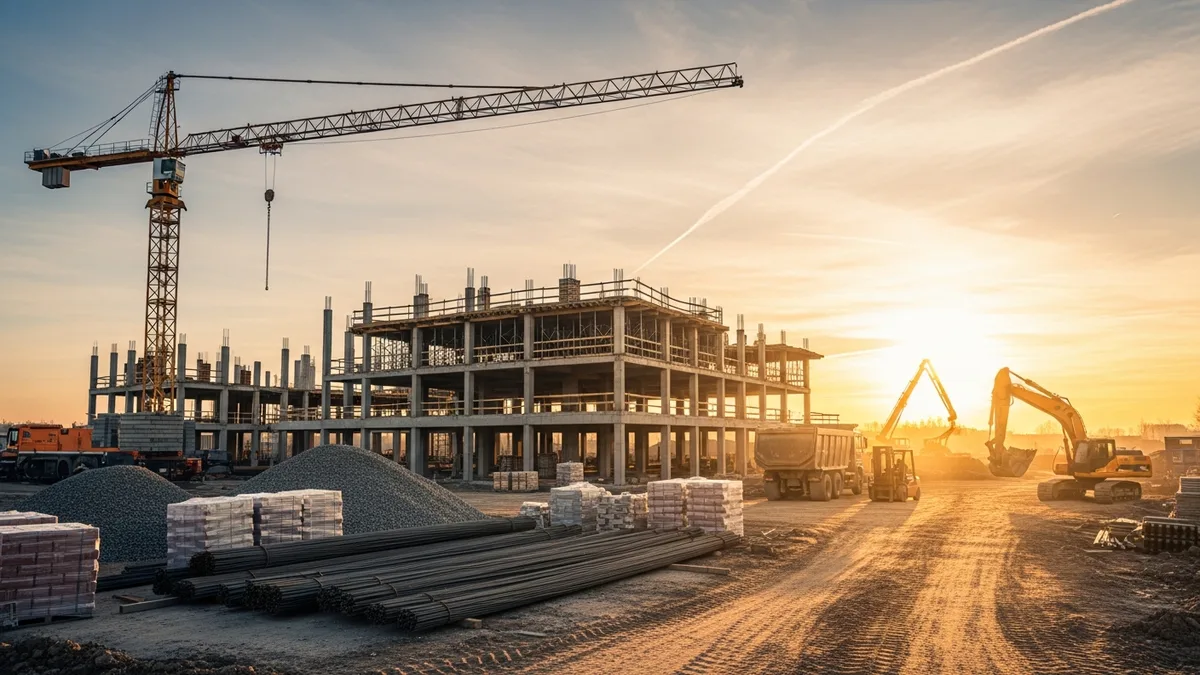
Running one construction project is complicated enough. You’re coordinating subs, managing materials, keeping the client happy, dealing with inspections, and hoping the weather cooperates. Now multiply that by five. Or ten. Or fifteen.
That’s the reality for most growing contractors. You don’t get to finish one job before the next one starts. They overlap, they compete for your attention, and they all have clients who think their project is the only one on your plate.
The contractors who grow past this stage aren’t the ones who work harder. They’re the ones who build systems that let them see every job clearly without being physically present on every site. The ones who don’t build those systems either burn out, start losing money, or both.
This guide covers how to manage multiple construction projects at the same time without letting things slip through the cracks. If you’re looking for guidance on tracking the status of individual jobs in more detail, check out our construction project tracking guide or see how Projul’s job management features help you stay on top of every project.
Start With a Centralized Scheduling System
The number one thing that breaks down when contractors start running multiple projects is scheduling. Not because they don’t know how to schedule, but because they’re managing each job’s schedule independently. Job A’s timeline lives in one spreadsheet. Job B’s schedule is on a whiteboard. Job C’s milestones are in the PM’s head.
When every project lives in its own silo, you can’t see the conflicts coming. You don’t realize that your best framing crew is supposed to start two different jobs on the same Monday until the Friday before. You don’t catch that three projects all need the same concrete sub during the same two-week window.
A centralized scheduling system solves this by putting every project’s timeline in one place. You can see all your active jobs side by side, spot resource conflicts weeks in advance, and make decisions based on the full picture rather than one project at a time.
Here’s what centralized scheduling looks like in practice:
One calendar, all jobs. Every active project’s key milestones, phase starts, sub schedules, and inspection dates live in the same system. When you look at next week, you see everything that’s happening across every job.
Resource visibility across projects. When your electrician is booked on the Thompson renovation from Monday through Wednesday, that shows up when you’re trying to schedule electrical rough-in on the Parker build. No more double-booking.
Automatic conflict detection. Good scheduling tools flag problems before they happen. If you move a milestone on one job and it creates a conflict with another, you know immediately instead of finding out on-site.
Easy rescheduling when things shift. And things always shift. Weather delays, permit holdups, subs who don’t show. When you need to move dates around, a centralized system lets you see how those changes ripple across all your projects, not just the one you’re adjusting.
The contractors who run ten or fifteen jobs at a time all share one thing in common: they can pull up their full schedule in under a minute and tell you exactly what’s happening on every site this week. That’s not a superpower. It’s just having the right system.
Know Your Numbers on Every Job, Every Week
Here’s a pattern that repeats itself constantly in construction: a contractor finishes a job, sends the final invoice, and only then realizes they lost money. The materials cost more than estimated. The change orders weren’t priced right. The labor hours ran 30% over. But nobody caught it because nobody was watching the numbers while the work was happening.
When you’re running one project, you might get away with checking the budget at the end. When you’re running multiple projects, that approach will eat you alive. One money-losing job is a bad month. Three money-losing jobs running at the same time can threaten your business.
Job costing on every active project, every single week, is what separates contractors who grow profitably from the ones who are busy but broke. And it doesn’t have to be complicated. You just need answers to a few questions for each job:
- What did we estimate this phase would cost?
- What have we actually spent so far?
- Are we tracking ahead, behind, or on budget?
- Where are the variances, and are they going to get worse?
When you’re looking at these numbers across all your jobs at once, patterns jump out fast. Maybe your concrete costs are running high on every project because your supplier raised prices and nobody updated the estimate templates. Maybe one crew consistently burns more hours than estimated. Maybe your change order markup isn’t covering the actual cost of disruption.
You can’t see any of this if you only check the numbers at the end of the job. And you definitely can’t see it if each project’s budget lives in a different spreadsheet that gets updated once a month.
The goal is simple: at any point during the week, you should be able to look at a dashboard and know which of your projects are making money and which ones are trending in the wrong direction. That gives you time to adjust, whether that means having a conversation with a sub about their billing, tightening up labor on a specific phase, or renegotiating a material order.
Construction is a tight-margin business. When you’re running multiple projects, those margins get thinner if you’re not watching them closely. The contractors who stay profitable at scale are the ones who treat job costing as a daily habit, not an end-of-project exercise.
Build a Daily Information Flow From Every Job Site
When you’re physically on a job site, you know what’s going on. You can see the progress, talk to the crew, check the quality of work, and spot problems before they grow. But when you’re managing multiple projects, you can’t be everywhere. You might visit each site once or twice a week, if that.
The question is: what happens on the days you’re not there?
For a lot of contractors, the answer is “not much information comes back.” The crew does their work, and you hear about it later. Maybe the foreman texts you if something goes wrong. Maybe you find out about an issue during your next site visit. Maybe you don’t find out at all until the client calls.
This is where daily logs become critical for multi-project management. A structured daily log from every active job site gives you eyes on the ground even when you’re somewhere else. It doesn’t have to be long. Five to ten minutes at the end of the day from a foreman or lead can cover:
- What work was completed today
- How many people were on site and what trades
- Any materials delivered or issues with material availability
- Weather conditions and whether they impacted work
- Problems encountered or decisions that need to be made
- Photos of progress
When every job site sends this information back every day, you wake up in the morning with a clear picture of what happened yesterday across all your projects. You can spot the job where progress stalled, the site where a material delivery didn’t show up, or the project where the crew had to make a field decision that you need to follow up on.
The key is making it easy. If your daily log process requires someone to sit down at a computer and fill out a long form, it won’t happen consistently. The best approach is a mobile-friendly system where the foreman can knock it out in a few minutes from the job site before they leave for the day.
Over time, daily logs also create a paper trail that’s worth its weight in gold. When a client disputes a timeline, when a sub claims they were on site for more days than they were, or when you need to figure out exactly when a problem started, those daily logs give you documented evidence with dates and photos.
For contractors running five or more active jobs, daily logs are the difference between knowing what’s happening on your projects and guessing. And guessing gets expensive fast.
Set Up Communication Systems That Don’t Depend on You
Read real contractor reviews and see why Projul carries a 9.8/10 on G2.
One of the biggest bottlenecks in multi-project management is the contractor themselves. When every question, decision, and update has to flow through one person, that person becomes the chokepoint. And when that chokepoint is also trying to manage five other jobs, estimate three new ones, and handle the business side of things, response times start slipping.
The fix isn’t working longer hours or answering emails faster. It’s building communication systems that let information flow without you being in the middle of every conversation.
Define who makes what decisions. Not every decision needs to come from the top. Your project managers or foremen should have clear authority over day-to-day field decisions. What needs your input? Scope changes, budget impacts, client-facing issues, and safety concerns. Everything else should be handled by the people closest to the work.
Create standard communication channels for each project. Every job should have a defined way for the team to share updates, ask questions, and flag issues. Whether that’s a project channel in your management software, a dedicated group chat, or a daily standup, the structure matters more than the tool. The point is that communication about Job A doesn’t get mixed in with Job B, and nothing falls through the cracks because it was mentioned in a random text thread.
Build client update systems that run without you. Most client frustration comes from feeling out of the loop, not from actual problems on the job. If you set up a system where clients get regular progress updates with photos and notes, they’re less likely to call you asking what’s going on. That saves you dozens of interruptions per week across all your projects.
Use your daily logs as communication, not just documentation. When your foremen submit daily logs, that information should be accessible to everyone who needs it. Your PMs should be able to see what happened on their jobs. You should be able to scan all of them in five minutes over morning coffee. The daily log isn’t just a record. It’s the primary communication vehicle from the field to the office.
The contractors who successfully run many projects at once aren’t the ones who are on the phone all day. They’re the ones who set up systems so that information moves without them pushing it.
Manage Your Crews and Subs Across Projects Like a Chessboard
Labor is the most constrained resource in construction, and it’s the one that causes the most problems when you’re running multiple jobs. You don’t have unlimited crews. Your good subs are booked months out. And every project thinks it deserves priority.
Managing labor across multiple projects requires thinking several moves ahead, like chess. You need to know not just what each job needs today, but what it’s going to need next week and the week after. Then you have to line that up with what’s available.
Map out labor needs by project and by week. For each active job, you should have a rolling view of what trades are needed and when. Framing crew on the Henderson project through next Friday. Plumber starting rough-in on the Cedar Ave build Monday. Electricians bouncing between two jobs on alternating days. When you can see all of this in one view, scheduling becomes intentional instead of reactive.
Identify your critical path on every project. Not every task is equally time-sensitive. On each job, know which activities will delay the whole project if they slip. Those tasks get first priority on labor allocation. If your electrician has to choose between two jobs, they go to the one where a delay would cascade into other trades and push back the completion date.
Build buffer into your schedules. If you plan every project with zero slack, any single delay creates a domino effect across all your jobs. Smart multi-project managers build in a few days of buffer at key milestones. That way, when the inevitable delay happens on one job, it doesn’t pull resources away from three others.
Communicate schedule changes to subs early and clearly. Nothing damages sub relationships faster than last-minute schedule changes. When you see a conflict forming or know that a job is going to shift, let your subs know as early as possible. The ones who respect your communication will prioritize your jobs, and that becomes a competitive advantage when everyone in the market is fighting for the same labor.
Track actual vs. planned labor on every project. Use time tracking software to monitor crew hours in real time. If a job is consistently using more labor hours than planned, that’s a signal. Either the estimate was off, the crew is running into unforeseen conditions, or there’s an efficiency problem. You need to catch this early, not at the end of the job, because those extra labor hours are coming from somewhere, usually another project that’s now understaffed.
The contractors who grow to 10, 15, or 20 simultaneous projects treat crew management as a strategic function, not a daily scramble. They’re making allocation decisions a week or two in advance, adjusting as conditions change, and making sure no single job is getting all the resources while others sit idle.
Use the Right Tools and Stop Trying to Hold It All in Your Head
There’s a ceiling that every growing contractor hits, and it’s not a skills ceiling. It’s a capacity ceiling. You can only hold so much information in your head. You can only keep so many mental tabs open before things start dropping.
For most contractors, that ceiling shows up somewhere between five and eight active projects. Below that number, a sharp operator can keep track of schedules, budgets, client requests, sub availability, and material orders through a combination of memory, spreadsheets, texts, and sticky notes. Above that number, something always falls through.
The solution isn’t better memory or longer hours. It’s offloading information management to a system designed for it. That’s what construction project management software does. It gives you a single place where every job’s schedule, budget, logs, documents, and communications live together. You stop trying to remember everything and start looking things up in seconds.
Here’s what to look for in a system for multi-project management:
A dashboard that shows all jobs at once. You need a single screen where you can see the health of every active project. Which jobs are on schedule? Which ones are over budget? Where are the red flags? This overview is the first thing you should see when you open the tool.
Mobile access for field teams. Your foremen and crews need to be able to submit logs, check schedules, and view documents from the job site. If the system only works on a desktop computer in the office, your field data will always be a day behind.
Scheduling that works across projects. As covered earlier, seeing all your job schedules in one view is critical. The tool needs to support multi-project scheduling with resource visibility, not just individual project timelines.
Job costing that updates in real time. Budget tracking that requires manual spreadsheet updates won’t cut it at scale. You need costs flowing in as they happen, purchase orders, time entries, sub invoices, so you can catch overruns before they get out of control.
Daily logs that are easy to submit and easy to review. The log system needs to be simple enough that a foreman will actually use it every day, and organized enough that you can scan all your jobs in minutes.
If you’re weighing your options, take a look at Projul’s pricing to see what’s included at different levels. The right tool pays for itself within the first month by catching one budget overrun or preventing one scheduling conflict that would have cost you far more than the subscription.
The bottom line is this: managing multiple construction projects is a systems problem, not a hustle problem. The contractors who scale successfully aren’t working 80-hour weeks to keep up. They built systems that give them visibility, accountability, and control across every job. The ones who didn’t build those systems are still working 80-hour weeks and wondering why things keep falling through the cracks.
Want to see this in action? Get a live demo of Projul and find out how it fits your workflow.
Start with scheduling. Layer in job costing. Get daily information flowing from the field. Set up communication that doesn’t depend on you being in the loop for everything. And give yourself tools that match the complexity of what you’re managing. That’s how you run multiple construction projects without losing your grip on any of them.
Frequently Asked Questions
How many construction projects can one person manage at a time?
What is the biggest challenge of managing multiple construction projects?
Can you manage multiple construction projects with spreadsheets?
What software helps manage multiple construction projects?
How do I keep clients happy when I'm juggling multiple projects?
Related Articles
Construction Team Meetings: A Practical Guide to Meetings That Actually Get Results
Most construction team meetings waste time. Here's how to run weekly check-ins, safety meetings, kickoffs, and...
Read More →
Project Management for Small Contractors: You Don't Need Enterprise Software
You don't need a 50-person company to benefit from project management. Even a 5-person crew loses money without a...
Read More →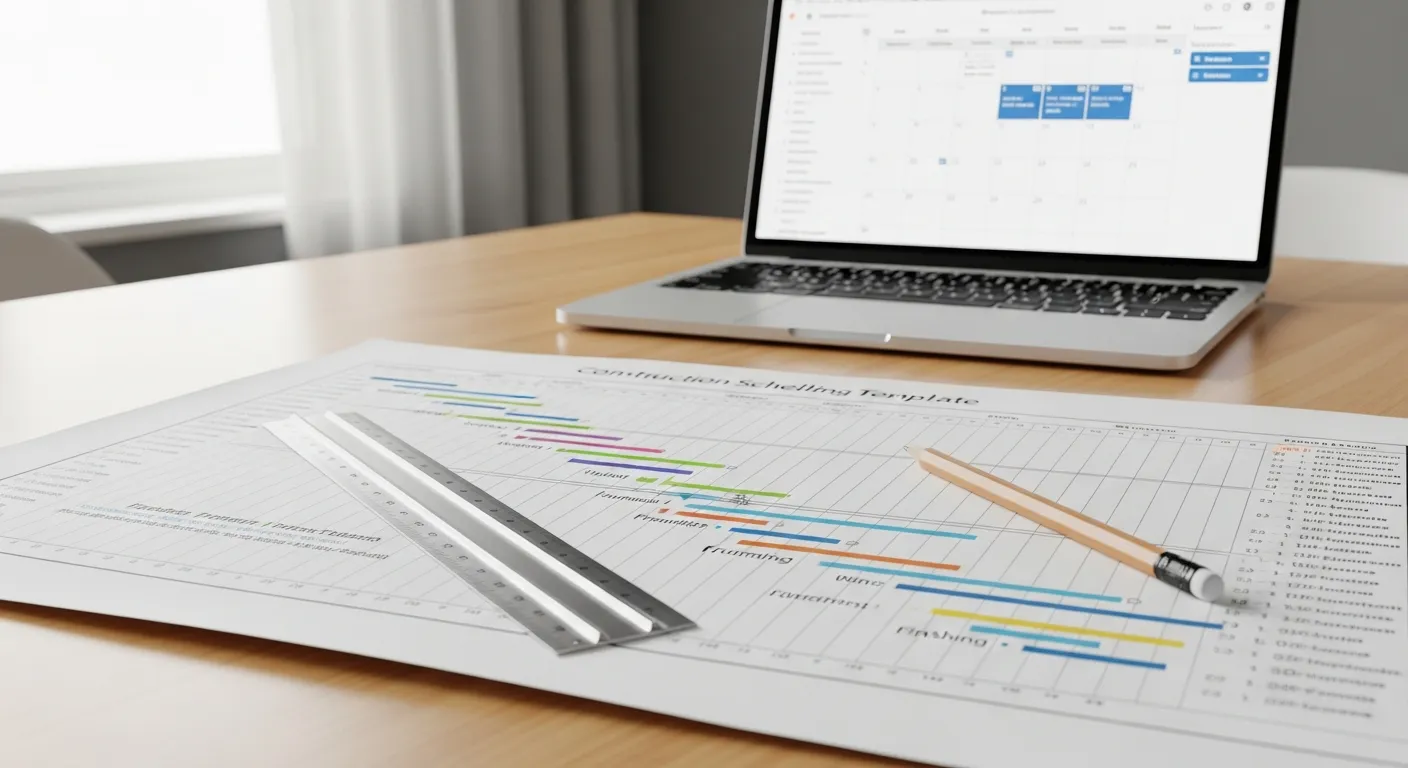
Free Construction Schedule Template
A solid construction schedule keeps your jobs on track, your crews busy, and your clients happy. Grab our free...
Read More →